Here is an easy method to monitor the boot procedure for our ALTRA series motherboard and systems. Simply follow below steps to access the host system via SSH session remotely:
1. Run the ssh command below with the Host system IP at your command prompt on a client system to start an SSH session:
ssh root@<Host_BMC_IP> -p 2200
2. First time running the command, you may receive a return message which requires you to grant access. Simply enter “yes” to proceed.
3. Then enter your BMC password, the default password would be “0penBmc”.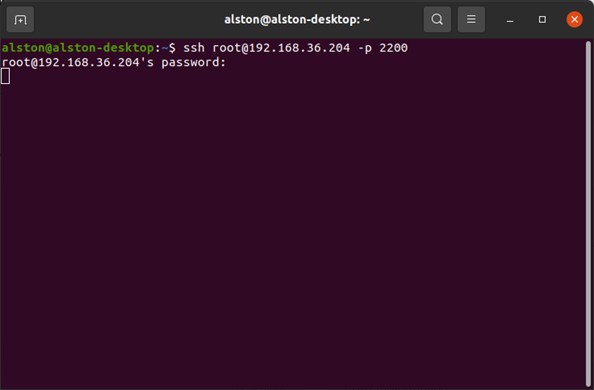
4. After that, power on or reboot the host. Soon, you shall see the boot process begins updating rapidly in the window above.